Appearance
Permissions & Settings Reference
This reference outlines the role-based permission matrix governing NKL-HR HRMS modules and system administration tasks.
Full Settings Guide: For the complete, detailed administrator manual covering all sections, navigation paths, and master data import workflows, see the Settings Admin Guide.
1. Role-Based Permissions Reference
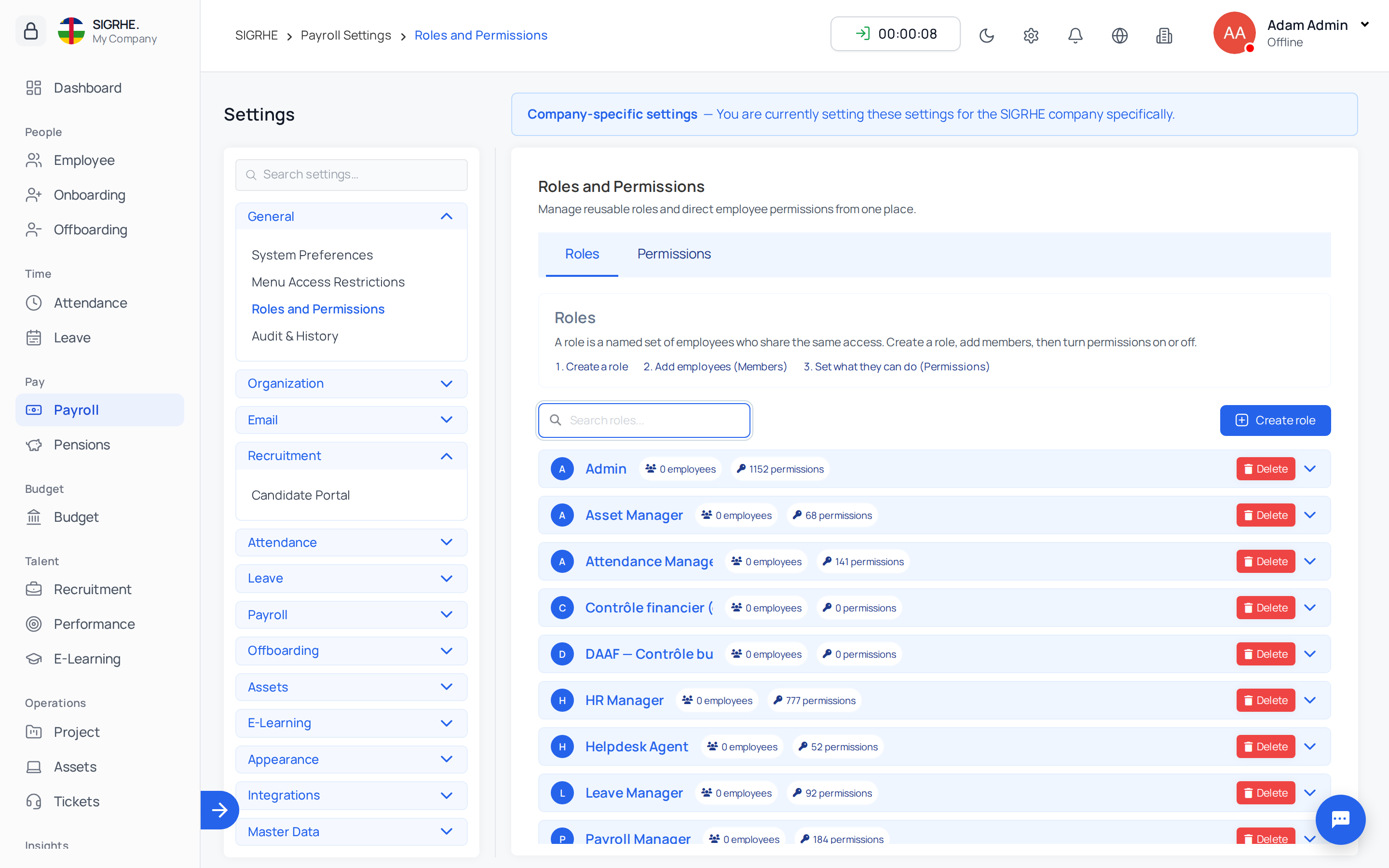
Permissions are configured per ministry under Settings › General › Roles and Permissions. Assigning permissions through standardized roles ensures consistent security across departments.
| Module | Administrative Capability | System Permission Name |
|---|---|---|
| Employee | View all employee records in directory | View Employee |
| Create new employee records | Add Employee | |
| Edit, import, archive, bulk mail, reset passwords, invite | Change Employee | |
| Export employee directory data to spreadsheet | Export access for employees | |
| Publish, edit, and delete company policies | Add Policy, Change Policy, Delete Policy, View Policy | |
| Record and manage formal disciplinary actions | Add Disciplinary Action, Change Disciplinary Action, Delete Disciplinary Action | |
| Access configuration lists (shifts, schedules, work types) | View Employee Shift, View Work Type, View Employee Tag, etc. | |
| Attendance | View organization-wide attendance & monthly summary | View Attendance |
| Create, edit, and import attendance records | Add Attendance, Change Attendance | |
| Delete attendance entries | Delete Attendance | |
| Validate daily attendance and approve overtime hours | Change Attendance | |
| Access late arrival and early departure tracking | View Attendance Late Come Early Out | |
| Manage time policies and validation conditions | View Attendance Validation Condition, Add Attendance Validation Condition, Change Attendance Validation Condition | |
| Modify attendance rules and clock-in preferences | Change Attendance General Setting | |
| Configure IP login restrictions | Add Attendance | |
| Leave | Access leave dashboard and review all employee requests | View Leave Request |
| Create, approve, reject, or delete leave requests for others | Add Leave Request, Change Leave Request, Delete Leave Request | |
| Assign, edit, and view employee leave balance ledgers | View Available Leave, Add Available Leave, Change Available Leave | |
| Create and manage leave types | Add Leave Type, Change Leave Type, Delete Leave Type | |
| Configure restricted blackout periods | View Restrict Leave, Add Restrict Leave, Change Restrict Leave, Delete Restrict Leave | |
| Modify global leave rules | Add Restrict Leave | |
| Process employee leave allocation requests | View Leave Allocation Request, Change Leave Allocation Request | |
| Onboarding | View hired candidate directory | View Onboarding Candidate, View Candidate |
| Access onboarding tasks and stage pipelines | View Onboarding Stage, View Recruitment (or designated Stage Manager) | |
| Create new onboarding stages and manage stage order | Add Onboarding Stage (or designated Pipeline Manager) | |
| Edit or delete existing onboarding stages | Change Onboarding Stage, Delete Onboarding Stage | |
| Advance candidates across onboarding stages | Change Candidate Stage (or designated Stage Manager) | |
| Create, edit, and delete stage checklist tasks | Add Onboarding Task, Change Onboarding Task, Delete Onboarding Task | |
| Update candidate task completion statuses | Change Candidate Task (or designated Task Manager) | |
| Create and update candidate profiles | Add Candidate, Change Candidate | |
| Offboarding | View offboarding dashboard and pipeline metrics | View Offboarding |
| Create, edit, and delete exit processes | Add Offboarding, Change Offboarding, Delete Offboarding | |
| Manage exit process stages | Add Offboarding Stage, Change Offboarding Stage, Delete Offboarding Stage | |
| Advance departing employees across exit stages | Change Offboarding (or designated Stage Manager) | |
| Create, edit, and delete exit checklist tasks | Add Offboarding Task, Change Offboarding Task, Delete Offboarding Task | |
| Review employee resignation letters | View Resignation Letter | |
| Approve, reject, or decide resignation cancellations | Change Resignation Letter | |
| Modify offboarding rules and default notice period | Change Offboarding General Setting | |
| E-Learning | View course listings and open the course builder | View Course |
| Create, edit, publish, and delete courses and quizzes | Add Course, Change Course, Delete Course | |
| Create training assignments for employees or groups | Assign Course | |
| Inspect and delete training assignments | View Course Assignment, Delete Course Assignment | |
| Monitor learner enrolments and remove enrolments | View Enrollment, Delete Enrollment | |
| Download learner completion certificates across ministry | View Certificate | |
| Manage course categories and certificate templates | View Course Category, Add Course Category, Change Course Category, Delete Course Category, View Certificate Template, etc. | |
| Access course lesson files | View Lesson | |
| Pension | Approve pension files and claim liquidations | Can approve pension files (plus specialized role groups: Liquidator, Financial Controller, Director of Pensions, Pension Payroll Officer, Parameter Administrator) |
Note on Employee Self-Service: Core self-service views (My Attendances, My Leave Requests, My Learning, Course Catalog, My Certificates) require no specialized administrative permissions.
2. Settings Items Permissions
| Settings Item | Required Access Permission |
|---|---|
| System Preferences | View Company, Change Employee General Setting, or View History Tracking Fields |
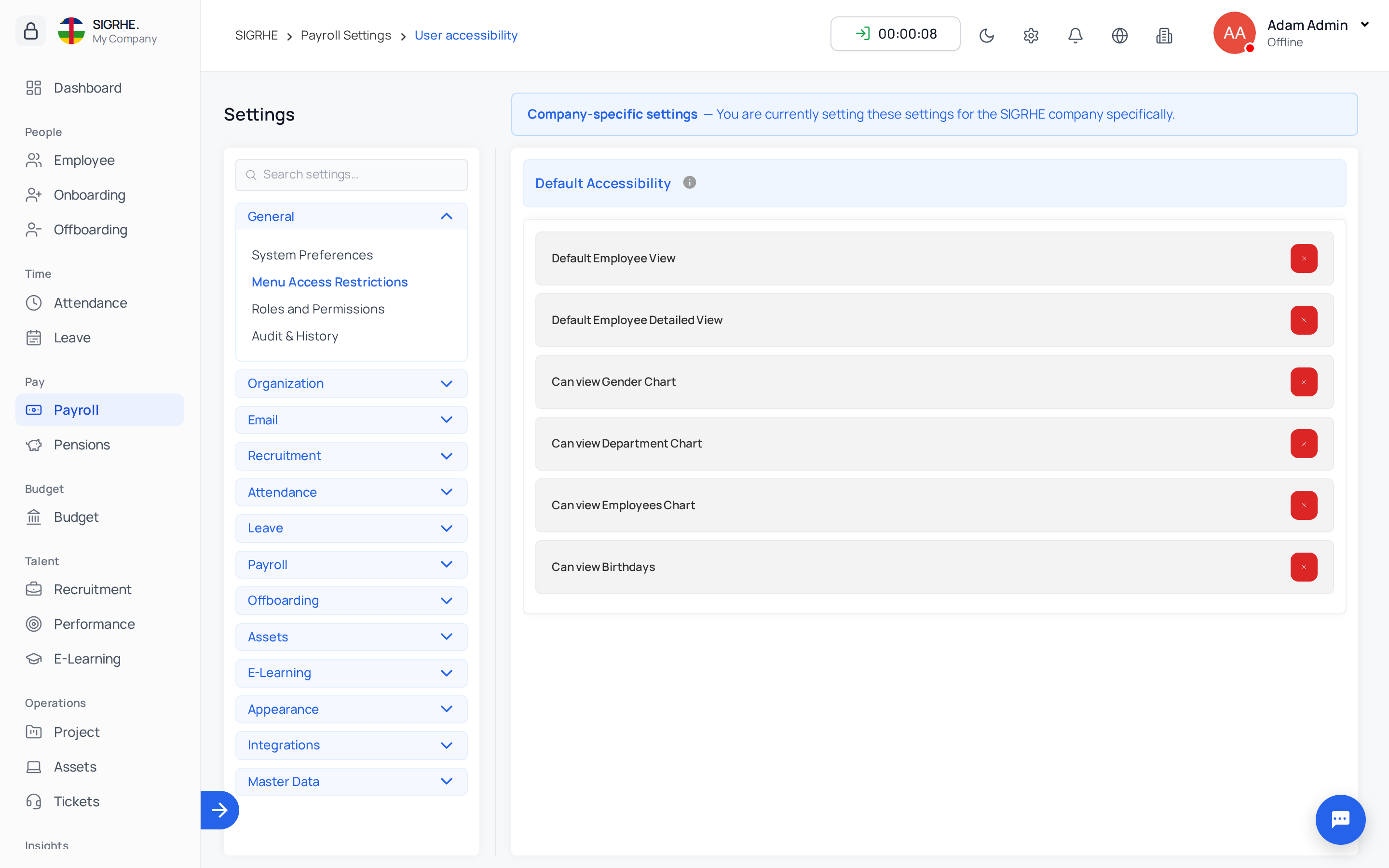
| Menu Access Restrictions | View Permission |
| Roles and Permissions | Superusers only |
| Audit & History | View Audit Tag or View Audit Model Config |
| Outlook Mail | View Dynamic Email Configuration (when Outlook add-on is active) |
| Companies / Departments / Positions / Roles | View Company / View Department / View Job Position / View Job Role |
| Weekly Off Days | View Company Leaves |
| Email Servers | View Dynamic Email Configuration (when Outlook add-on is inactive) |
| Email Templates | View Mail Template |
| Email Automations | View Mail Automation |
| Candidate Portal | View Recruitment |
| Attendance Rules | Permissions for attendance, biometric, geofencing, or face detection settings |
| Leave Rules | Add Restrict Leave or View Attendance Validation Condition |
| Encashment Settings | Change Encashment General Settings |
| Offboarding Rules | Change Offboarding General Setting or Change Payroll General Setting |
| Asset Rule | View Asset General Setting / Change Asset General Setting |
| Course Categories / Certificate Templates | View Course Category / View Certificate Template |
| Color Theme | View Color Theme |
| Integrations (Drive, LinkedIn, LDAP, Meet, WhatsApp) | Designated integration permissions per service |
| Import Data / Import History | Superuser, or Add Employee, Add Available Leave, Add Asset, Add Asset Assignment |
| Manage Tours | View Tour (when product tours are active) |
3. System Administrator Command-Line Operations
These maintenance and setup tasks are executed via the server command line by technical administrators:
| Command | Operational Purpose |
|---|---|
python manage.py migrate | Applies all database schema migrations (including E-Learning and Pension modules). |
python manage.py compilemessages | Compiles language translation catalogs. |
python manage.py seed_pension_pack car | Loads the statutory Central African Republic (CAR) pension pack. Safe to run repeatedly; only provisions missing records without overwriting custom edits. |
python manage.py import_pension_data <kind> <file> [--commit] [--skip-errors] | Command-line execution of pension data migration batches for members, service periods, contributions, beneficiaries, and active pensions. |
python manage.py elearning_resync_progress | Recalculates learner progress percentages across active enrolments. |
python manage.py seed_elearning_demo | Loads sample e-learning demonstration courses, categories, and quizzes (--reset to rebuild or --remove to purge). |